Sound Calibrator1.0
Publisher Description
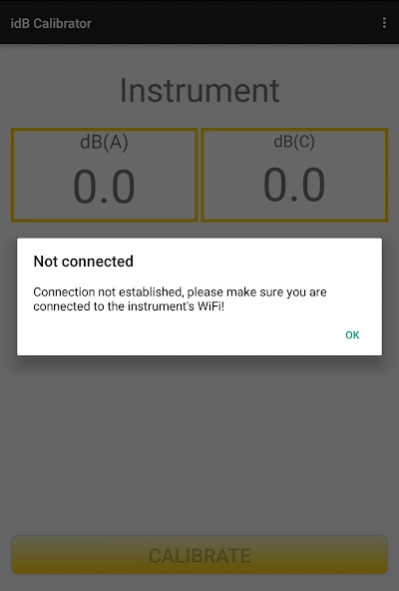
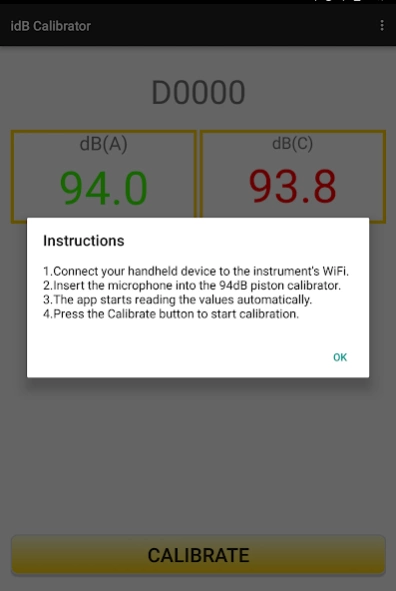
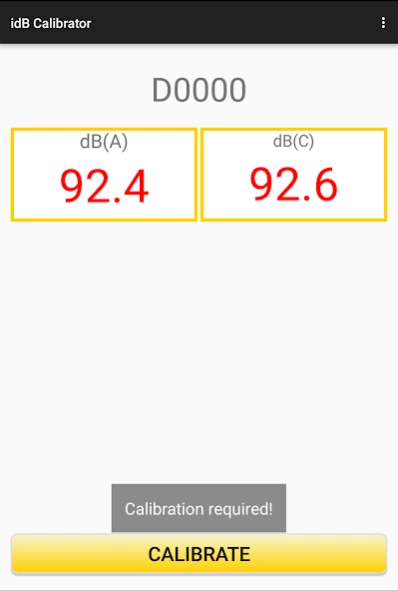
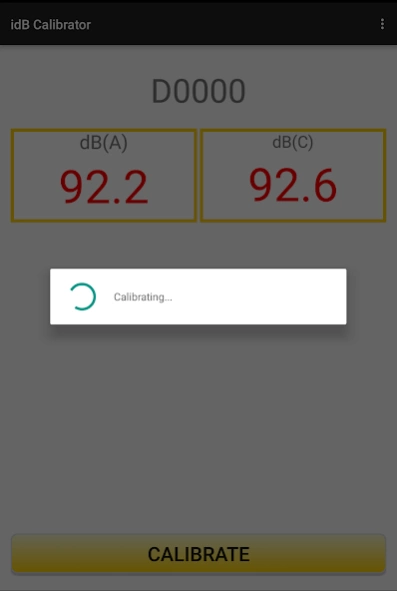
Calibrate your Turnkey Noise Monitors
Use this application to calibrate the microphone of the Turnkey idB Noise Monitor or the iVibe using the 94 dB calibrator.
This application reads the data from the noise monitor and calibrates the instrument. The application works in both Online and Offline mode.
Enter the AirQWeb login credentials to show the list of the noise monitoring instruments registered in your AirQWeb account. Once you are logged in, you can use this app in offline mode.
Instructions to Use:
1. Connect your handheld device to the Internet or instrument's WiFi.
2. Open the Sound Calibrator App.
3. Enter AirQWeb login details.
4. Select an instrument from the list to calibrate.
5. Insert the microphone into the 94 dB piston calibrator.
6. Once the app starts reading the values from the instrument.
7. Press the 'Calibrate' button to start calibration.
About Sound Calibrator
The company that develops Sound Calibrator is Turnkey Instruments. The latest version released by its developer is 1.0.
To install Sound Calibrator on your Android device, just click the green Continue To App button above to start the installation process. The app is listed on our website since 2018-12-12 and was downloaded 12 times. We have already checked if the download link is safe, however for your own protection we recommend that you scan the downloaded app with your antivirus. Your antivirus may detect the Sound Calibrator as malware as malware if the download link to com.turnkey.soundcalibrator is broken.
How to install Sound Calibrator on your Android device:
- Click on the Continue To App button on our website. This will redirect you to Google Play.
- Once the Sound Calibrator is shown in the Google Play listing of your Android device, you can start its download and installation. Tap on the Install button located below the search bar and to the right of the app icon.
- A pop-up window with the permissions required by Sound Calibrator will be shown. Click on Accept to continue the process.
- Sound Calibrator will be downloaded onto your device, displaying a progress. Once the download completes, the installation will start and you'll get a notification after the installation is finished.
